If you need stable maps, bookings, and messaging on the coast, a local data setup is one of the first decisions to make. For albania sim card tourist wifi planning, the practical hierarchy is:
- Local SIM/eSIM for primary connectivity
- Accommodation Wi-Fi as secondary
- Offline maps as backup
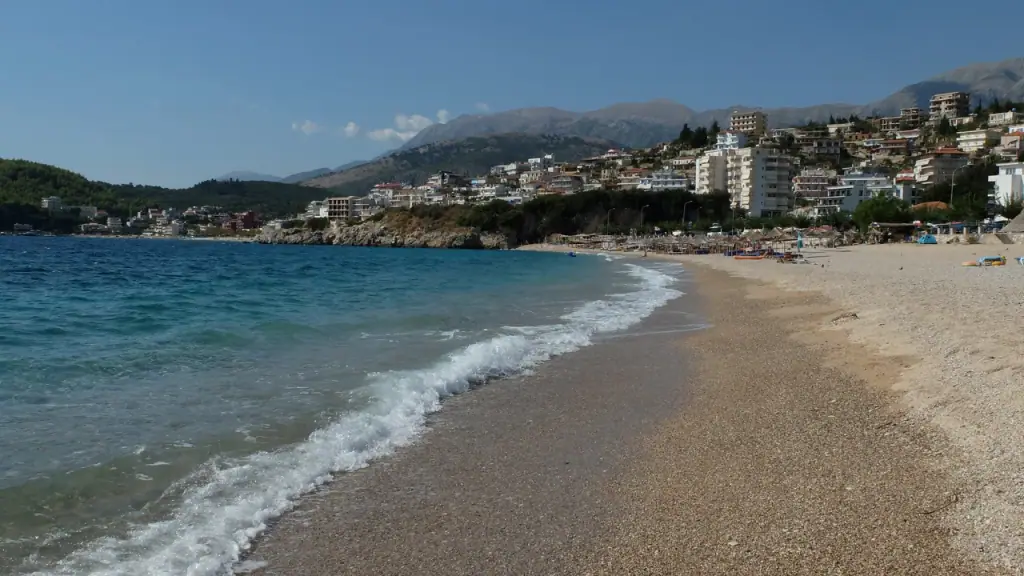
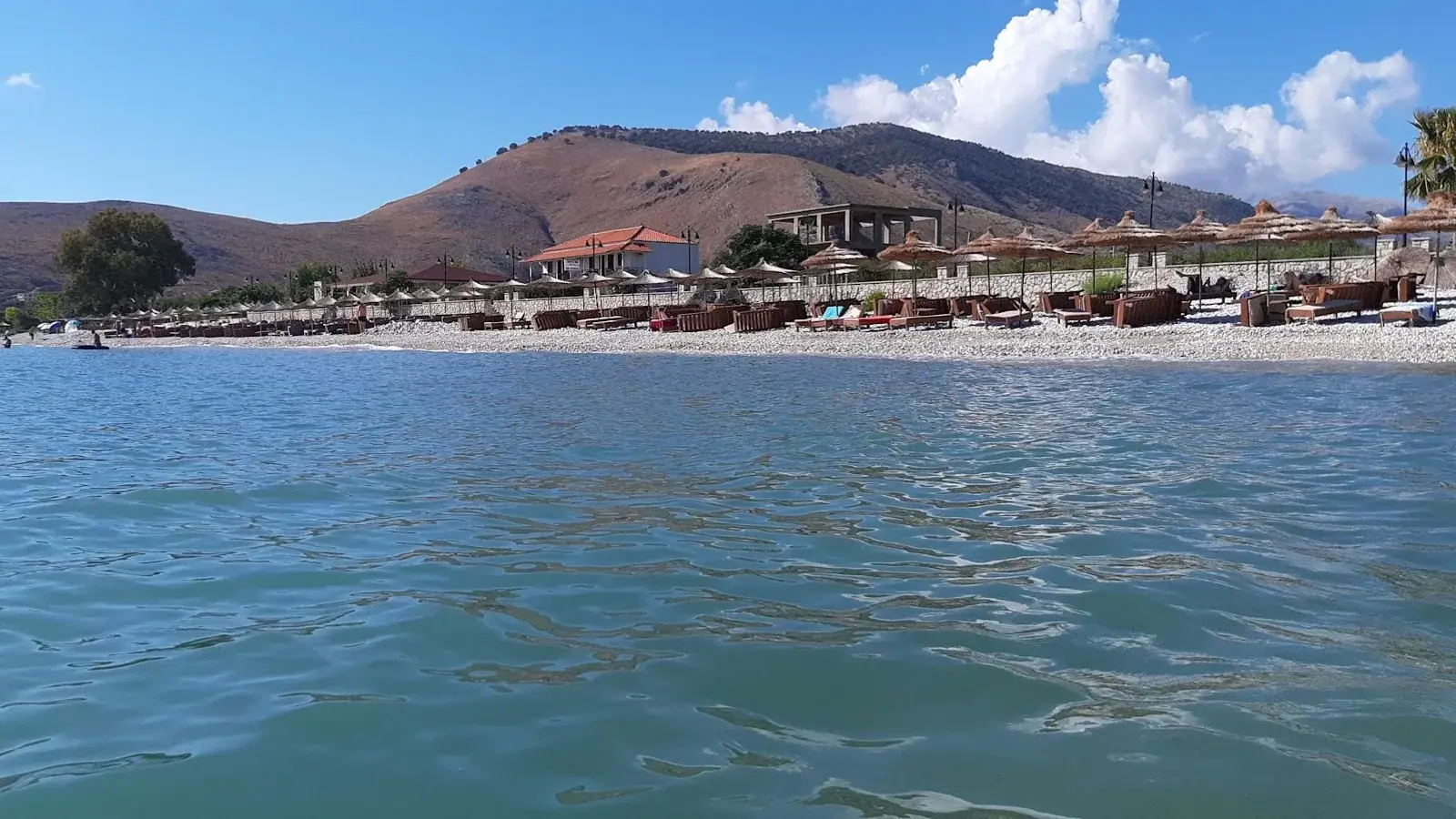
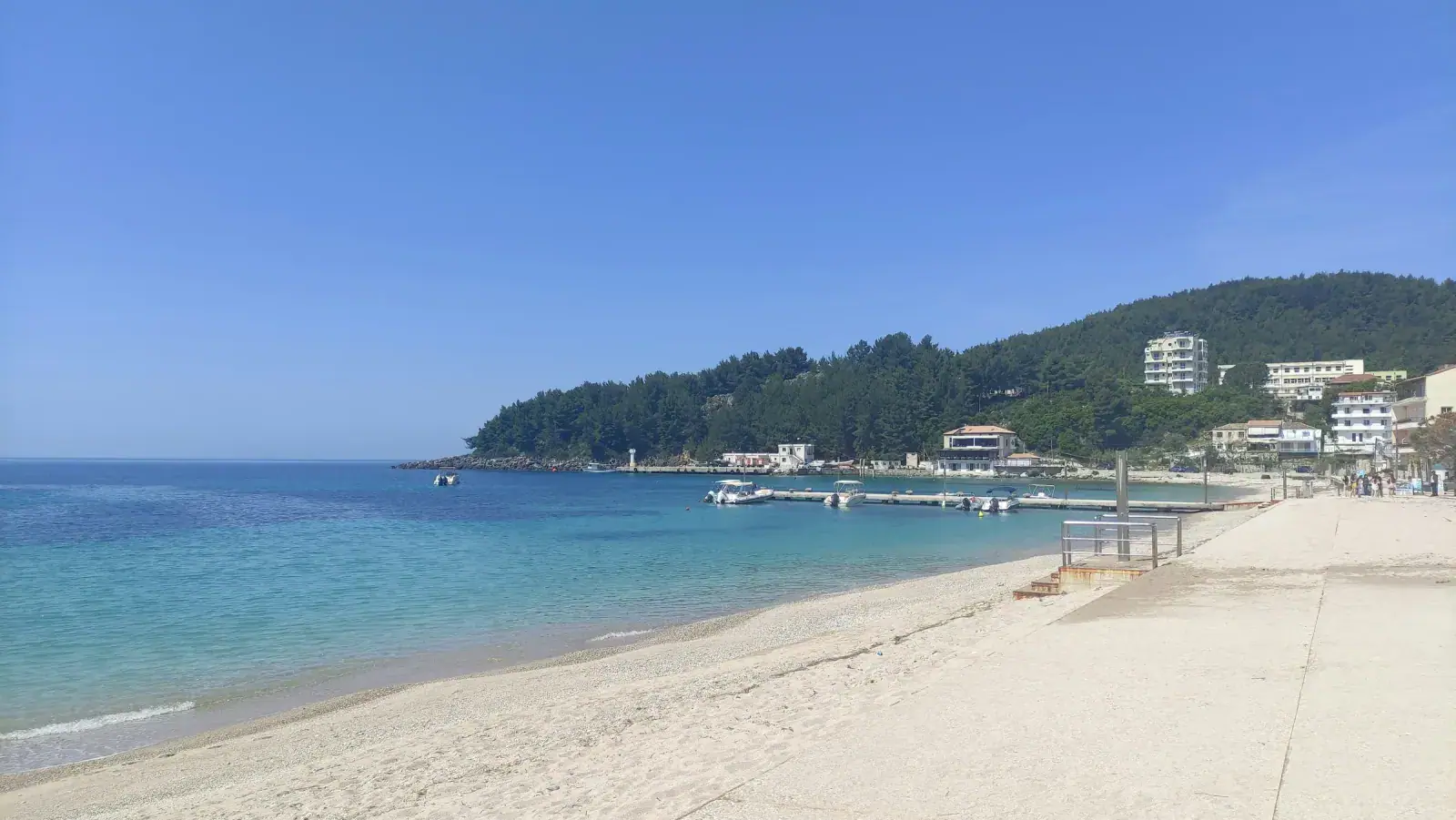
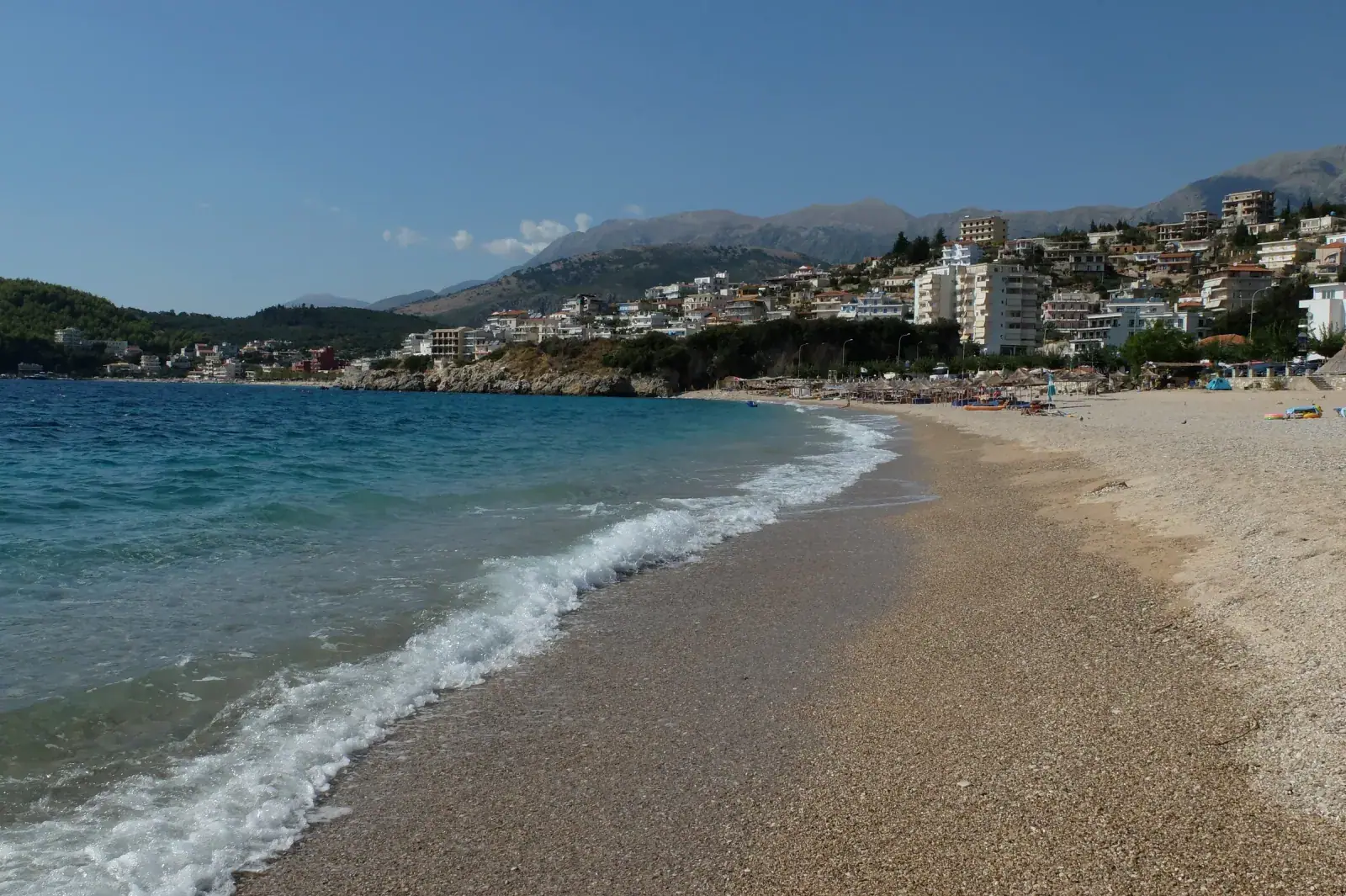
In Himara, town coverage is usually fine for normal travel use, but signal quality drops in some remote coves and canyon sections.
Reader discount: Use code
HIMARA10for 10% off a Saily Albania eSIM, add it at checkout under "Got a coupon?" if it isn't applied automatically.
Quick Connectivity Snapshot
| Topic | Practical Reality |
|---|---|
| SIM registration | Passport is usually required |
| Main network options | Vodafone Albania and One Albania |
| Tourist packages | Commonly offered in 15 GB to high-data tiers |
| Heavy-use bundles | 40-100 GB style tiers are common in market offers |
| Himara town usage | Usually sufficient for maps/messages/video calls |
| Remote beach/canyon zones | Coverage can weaken or fluctuate |
SIM vs eSIM: What to Choose
Physical local SIM
Best for:
- High data users
- Longer stays
- Travelers who want strongest cost-per-GB value
Typical flow:
- Buy at airport/city telecom shop
- Passport registration
- Activate and test before heading to coast
eSIM
Best for:
- Quick setup before arrival
- Travelers with compatible devices
- Short trips where convenience beats lowest cost
Recommended provider: Saily is the best-value Albania eSIM in 2026, instant QR delivery, clean app, and reader discount available. Airalo and Holafly are reasonable alternatives.
Trade-off:
- Can be more expensive per GB than local physical SIM bundles
Typical Data Planning for Himara Trips
| Traveler Pattern | Suggested Data Target |
|---|---|
| Light use (maps + messaging) | 10-20 GB/week |
| Normal travel + occasional video | 20-40 GB/week |
| Creator/remote-heavy use | 40-100 GB/week |
If you are posting stories/reels daily, underbuying data is the most common mistake.
Network Reality in Riviera Use Cases
Usually strong enough
- Himara center
- Promenade zones
- Most hotels/cafes
- Main road corridors
Often variable
- Deep canyon trails (e.g., Gjipe area)
- Isolated cove pockets
- Cliff-shielded sections
Use this planning rule:
- Never rely on live signal only for navigation in remote areas.
Wi-Fi in Himara: Good but Not Universal
Most accommodation and many cafes provide Wi-Fi, but performance depends on occupancy and time of day.
Practical expectations:
- Everyday use (email, maps, messaging): usually fine
- HD uploads and large sync operations: variable
- Peak evening periods: slower in busy venues
For remote-work context, pair with digital nomad Himara guide.
Setup Checklist (Do This Before Leaving Major Hub)
- Activate SIM/eSIM in airport/city zone.
- Test mobile data + hotspot.
- Download offline maps for Himara-Saranda-Vlora corridor.
- Save hotel bookings/screenshots offline.
- Keep operator support number in notes.
Doing setup in Tirana or Saranda is easier than troubleshooting in smaller beach villages.
Real-World Connectivity Budget
| Item | Typical Range |
|---|---|
| Starter local bundle | Varies by operator and season |
| Mid/high tourist bundle | Varies by data tier |
| eSIM convenience packs | Often higher cost per GB |
| Cafe backup spend | 100-300 ALL coffee stop while charging/working |
Rather than chasing exact package prices (which change), pick the data tier by your usage profile first.
Mistakes Travelers Make
-
Buying the smallest package "to top up later." Top-up friction wastes time. Buy enough from day one.
-
Assuming beach clubs/coves always have usable Wi-Fi. Many do not, or it is unstable when full.
-
Forgetting offline maps. Coverage dips in the exact places where navigation matters.
-
Not testing hotspot immediately. If tethering matters, verify before leaving city zones.
-
Relying only on one connectivity mode. Best setup is mobile data + offline backup + opportunistic Wi-Fi.
Best Connectivity Setup by Traveler Type
Budget backpacker
- Mid-size local SIM package
- Offline maps
- Wi-Fi usage in hostels/cafes
Couple on flexible holiday
- One higher-data SIM + one lighter backup line
- Shared hotspot when needed
Remote worker / creator
- High-data primary bundle (or dual setup)
- Strong accommodation Wi-Fi pre-check
- Offline backup for critical docs and maps
albania sim card tourist wifi: Advanced Planning Matrix
Use this matrix when your itinerary is still fuzzy. It keeps decisions practical around albania sim card tourist wifi, not generic travel advice.
| Scenario | Recommended Move | Why It Works |
|---|---|---|
| Short stay (2-3 days) | Keep one base and avoid daily relocations | Reduces transfer waste and improves day quality |
| Medium stay (4-6 days) | Split days by direction (north vs south) | Better route efficiency and less backtracking |
| Connection-heavy trip | Prioritize reliability over tiny savings | Prevents missed links and rushed schedules |
| Budget-sensitive trip | Use free-first daytime structure + selective paid highlights | Keeps experience quality while controlling spend |
For albania sim card tourist wifi, the highest-value pattern is to plan in blocks: one easy day, one exploration day, and one buffer day. This gives you resilience against weather shifts, transport delays, and energy dips that usually break over-optimized itineraries.
Risk Control Checklist
- Confirm critical timings one day ahead for transfer-heavy segments.
- Keep one fallback option per day if wind, rain, or crowd pressure changes conditions.
- Carry enough cash for local services even when cards are commonly accepted.
- Avoid stacking multiple major decisions late in the day.
- Protect at least one low-friction evening per two-day block to prevent itinerary fatigue.
Cost and Time Efficiency Notes
Most Riviera trip inefficiency comes from micro-decisions, not major errors: late departures, unnecessary return loops, and overpaying for convenience every day. A better approach is to deliberately choose where convenience is worth paying for and where a slower, lower-cost choice still preserves quality.
When in doubt, optimize for continuity: fewer base changes, cleaner morning starts, and predictable return windows. This consistently improves albania sim card tourist wifi outcomes more than trying to maximize total stop count.
Connectivity Failure Backup Plan
If mobile data fails mid-day, use a simple fallback stack:
- Switch to offline maps and cached bookings first.
- Move to nearest town-core cafe/hotel Wi-Fi point.
- Send one status update message once connected.
- Delay non-critical uploads until stable evening Wi-Fi.
This prevents minor signal issues from becoming full itinerary disruptions.
Conclusion
For albania sim card tourist wifi planning, prioritize a local data setup and treat Wi-Fi as supportive, not primary. In Himara, this gives you reliable transport coordination, safer navigation, and less friction on day trips and beach transitions.
Frequently Asked Questions
Should I buy a SIM at Tirana airport or in Himara?
Airport or major city setup is usually easier and faster. You avoid coastal troubleshooting and can test everything immediately.
Is eSIM enough for a Himara trip?
For many travelers, yes. But high-data users may get better value from local SIM packages.
How much data do I need for one week in Himara?
Most travelers are comfortable with 15-40 GB. Heavy social/video users should plan for higher tiers.
Can I rely only on hotel Wi-Fi?
Not recommended. Mobile data backup is important for transport, maps, and remote beach movement.
Is signal available at all beaches?
Not consistently. Remote coves and canyon zones can have weaker or unstable coverage.